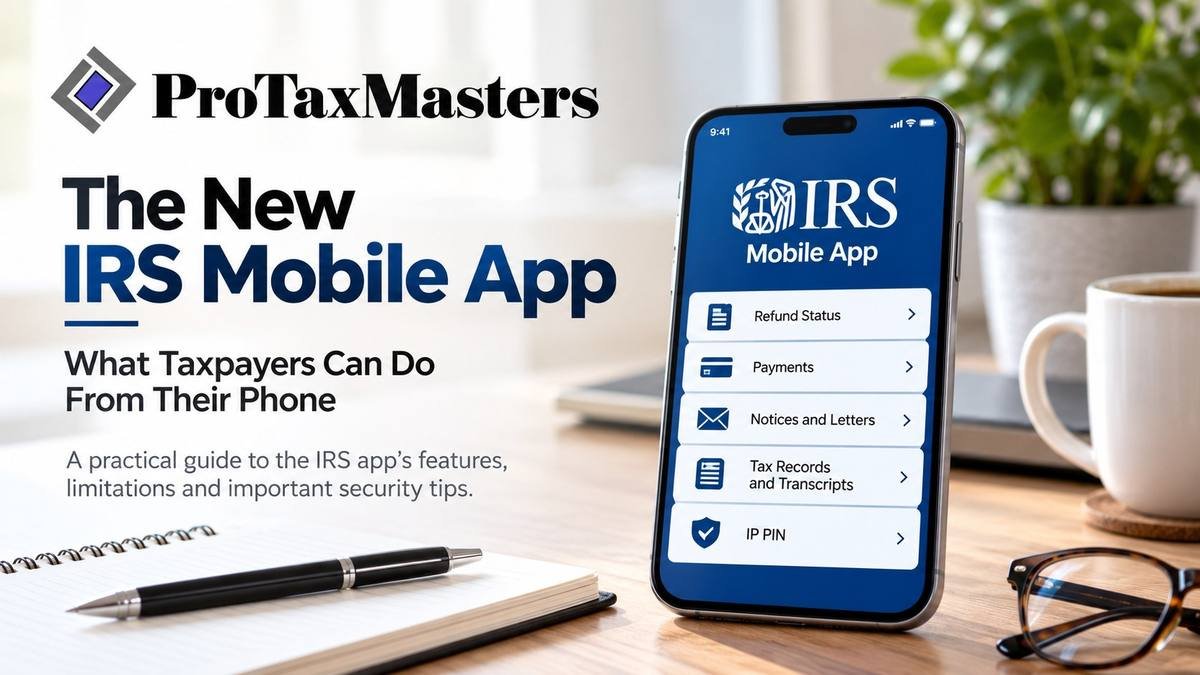
The New IRS Mobile App: What Taxpayers Can Do From Their Phone
The IRS has introduced a new way for taxpayers to access important tax information from their smartphones.
On September 25, 2026, the Internal Revenue Service launched its new IRS mobile app, replacing the long-running IRS2Go app. The change is more than a new name. The app now provides secure access to selected features previously associated with the IRS Individual Online Account.
For taxpayers in San Marcos, Central Texas and across the country, that means several routine IRS tasks can now be handled from a phone.
But there are also some important limitations—and a few security precautions taxpayers should understand before signing in.
What Can You Do With the New IRS App?
Some familiar IRS2Go functions remain available without signing in. According to the IRS, taxpayers can still use the app to:
- Check the status of a tax refund.
- Make certain tax payments.
- Find free tax-filing assistance.
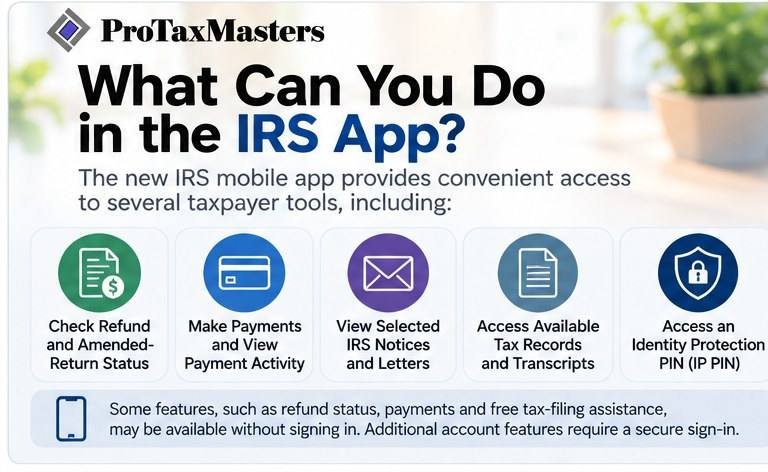
Signing in securely unlocks additional account-specific features. Depending on the taxpayer’s account, tax status and the services available at launch, these can include:
- Checking refund and amended-return status.
- Viewing available IRS balance information.
- Making payments and reviewing payment activity.
- Viewing selected IRS notices and letters.
- Accessing available tax records and transcripts.
- Managing certain profile and communication preferences.
- Accessing an Identity Protection PIN, commonly called an IP PIN.
That can make the app particularly useful when you need to quickly check information without sitting down at a computer.
Do You Need to Create a New IRS Account?
Not necessarily.
If you already used IRS2Go, the IRS says you do not need to download an entirely separate app. With automatic app updates enabled, IRS2Go should update to the new IRS app through the normal app-store process. Otherwise, users can update it manually through the official Apple App Store or Google Play listing.
For account-specific features, the app uses the secure sign-in process associated with the IRS Individual Online Account.
An interesting security detail is that taxpayers do not enter their secure sign-in credentials directly into the app. The app opens a secure browser window for authentication and then returns the taxpayer to the app.
The IRS App Does Not Replace IRS.gov
This distinction is important.
The new mobile app does not replace IRS.gov, and it does not contain every feature available through an IRS Individual Online Account.
The IRS Individual Online Account, Business Tax Account and Tax Pro Account remain available through IRS.gov. At launch, the mobile app extends only selected Individual Online Account services.
That means business owners should not assume the new app provides mobile access to everything available through an IRS Business Tax Account. Likewise, tax professionals will continue using the IRS Tax Pro Account and other established IRS systems when appropriate.
One Particularly Useful Feature: IRS Notices
For many taxpayers, one of the more useful additions may be the ability to view selected IRS notices and letters after securely signing in.
Receiving an IRS notice does not automatically mean something is seriously wrong. A notice might concern a balance, a discrepancy, missing information, a change to a return or another account issue.
The important thing is to determine exactly what the IRS is asking and whether a response is required. For more guidance, see Received an IRS Notice? When Professional Tax Representation Can Help.
The mobile app may make certain correspondence easier to access, but accessing a notice and understanding what it means are two different things.
If a notice involves a tax issue you do not understand, professional assistance may be appropriate before responding.
Be Careful of Fake IRS Apps and Messages
The convenience of a new IRS app also creates an opportunity for scammers.
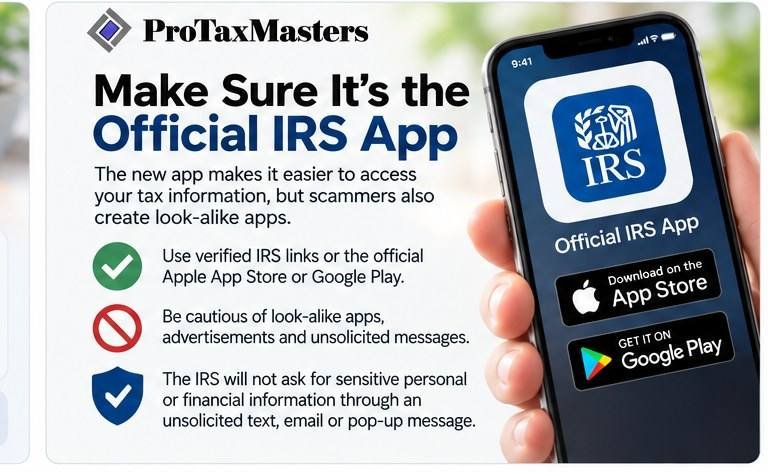
The IRS specifically warns taxpayers to use verified IRS links or official app listings in the Apple App Store and Google Play. Taxpayers should be cautious of look-alike apps, advertisements and unsolicited messages claiming to provide access to IRS accounts.
The IRS also states that it will not ask taxpayers to provide sensitive personal or financial information through an unsolicited text message, email or pop-up message.
If you receive a message telling you to download an IRS app through an unfamiliar link, do not use the link. Instead, go independently to IRS.gov and locate the official IRS app information there.
That simple precaution can help protect sensitive tax and financial information.
What About Information Stored on Your Phone?
According to the IRS, tax account information displayed after you sign in is not stored permanently on the device as local app data.
The app uses the same secure sign-in approach used for the IRS Individual Online Account, and information transmitted between the app and IRS systems is encrypted. A temporary secure session credential is maintained while the taxpayer is signed in and cleared when the taxpayer signs out.
Those protections do not eliminate the need for good personal security practices. Taxpayers should still protect their phones with appropriate device security and avoid clicking suspicious links or providing personal information in response to unsolicited messages.
A Useful Tool—But Not a Substitute for Tax Advice
The new IRS mobile app should make several routine tasks more convenient.
Checking a refund, reviewing a balance, accessing a transcript or retrieving an IP PIN does not necessarily require professional assistance.
Other situations can be different.
An IRS notice, unresolved balance, unfiled return, discrepancy involving a previously filed return or collection matter may require more than simply accessing information from an app.
The technology may make it easier to see what the IRS has on file. The next question is understanding what that information means and what, if anything, you should do about it.
Need Help Understanding an IRS Tax Matter?
ProTaxMasters LLC assists individuals and small businesses with tax preparation and IRS matters, including IRS notices, account and transcript review, amended filings and tax-resolution issues.
Michael J. Garcia, EA, is federally authorized to represent taxpayers before the Internal Revenue Service.
If you have received an IRS notice or discovered an account issue that you do not understand, you can contact ProTaxMasters to discuss the situation and determine the appropriate next step.
This article is provided for general educational and informational purposes and does not constitute individualized tax, legal or financial advice. Tax situations vary, and taxpayers should consider their individual circumstances when determining the appropriate course of action.
Official IRS resources: IRS announcement | IRS app FAQ